



 647-812-5125
 Back to Ecommerce Glossary
What is a 301 Redirect?
A 301 redirect is what you use when a page has been moved, and the old URL shouldn’t be used anymore.
If someone visits that old link, they’re taken to a different page instead. Search engines also follow that change and start showing the new URL in place of the old one.
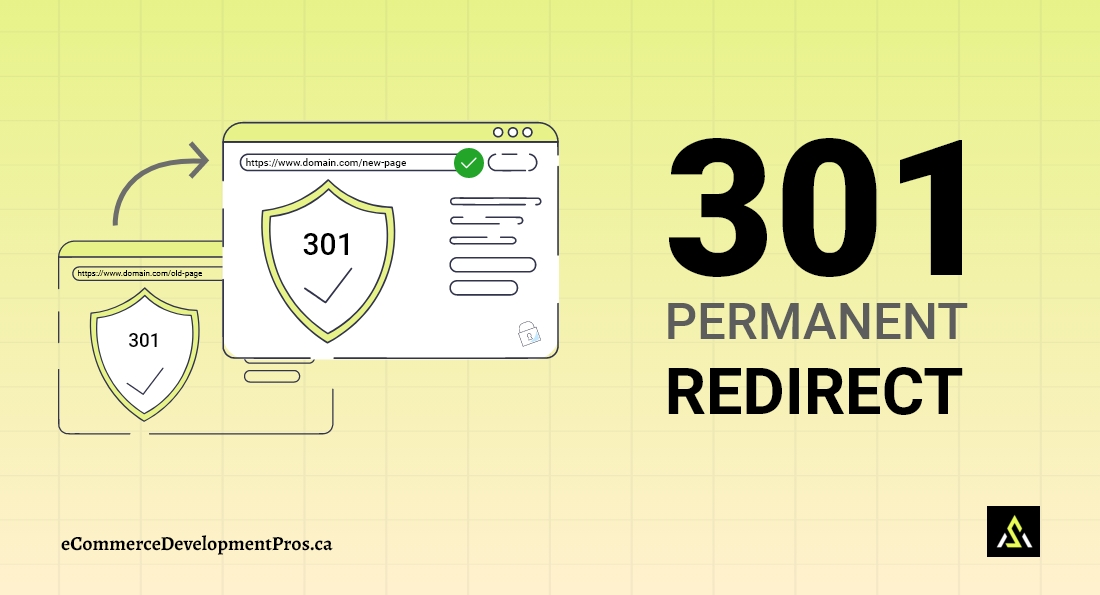
A 301 redirect permanently sends users and search engines from an old URL to a new one, transferring SEO value and rankings
Why do 301 redirects matter for SEO?
When URLs change, things don’t just “update” automatically. Old links still exist—in Google, in emails, in ads, everywhere.
Without redirects, those links just break.
Key benefits of using a 301 redirect |
|
|---|---|
| Benefit | What it means |
| Preserve SEO value | Most of the authority from the old page carries over |
| Prevent broken pages | Visitors don’t end up on error pages |
| Protect existing traffic | Old links continue to work as expected |
| Support website changes | Search engines understand the page has moved |
When should you use a 301 redirect?
Anytime a page is no longer available at its original URL, you should ask one simple question: Where should this traffic go now?
If there’s a clear answer, a 301 redirect is usually the right move.
Common Situations Where 301 Redirects Are Needed |
|
|---|---|
| Scenario | What to do |
| Website migration | Send old URLs to their new versions |
| URL structure changes | Map old URLs to updated ones to preserve ranking |
| Deleted or removed pages | Redirect to the closest relevant page |
| Domain change | Move all URLs to the new domain |
| Merging similar pages | Point multiple pages to one stronger page |
What is an example of a 301 redirect?
Here’s the simplest way to picture it:
Example of a 301 Redirect in Action |
|
|---|---|
| Old URL | New URL |
| www.example.com/old-product | www.example.com/new-product |
Someone clicks the old link → they land on the new page. That’s it.
Over time, search engines stop showing the old URL altogether.
How do 301 redirects affect SEO?
Search engines need a clear signal when a page URL changes. A 301 redirect tell search engines that the page has moved and they understand that signal.
Instead of treating the new page as something completely separate, search engines connect it to the old one.
SEO Impact of 301 Redirects |
|
|---|---|
| Factor | Impact on SEO |
| Link equity transfer | Most authority moves to the new URL |
| Rankings | Helps keep positions stable after changes |
| Traffic | Prevents traffic drops from outdated links |
| Indexing | Replaces the old URL in search results |
If there’s no redirect, the new page often has to build everything from scratch again.
Without 301 redirects, search engines may treat the new page as unrelated to the old one, which can lead to traffic loss and ranking drops.
What are the common 301 redirect mistakes to avoid?
Most redirect issues don’t show up right away. That’s what makes them tricky.
You only notice later—when traffic dips or pages stop ranking.
Common 301 Redirect Mistakes |
|
|---|---|
| Mistake | What happens |
| Missing redirects | Pages break, users get a page not found/404 error, and traffic is lost |
| Redirect chains | Multiple steps slow things down |
| Redirect loops | Pages keep redirecting to each other in a loop, so neither users nor search engines can access the page |
| Redirecting to irrelevant pages | Users land on the wrong page |
| Not updating internal links | Your site keeps pointing to outdated URLs |
How are 301 redirects used in Shopify?
This becomes important when migrating to Shopify.
Shopify doesn’t let you fully control URL formats. It adds its own structure (like /products/), so even if your content stays the same, your URLs usually don’t.
That URL mismatch is where redirects come in.
How Shopify handles 301 Redirects |
|
|---|---|
| Aspect | What it means in Shopify |
| Fixed URL structure | Shopify pages have predefined paths, so old URLs may change after migration. |
| Manual redirect setup | Redirects must be added whenever URLs are updated to keep old links working. |
| Bulk redirect support | You can upload many redirects at once using a CSV file |
| Built-in redirect management | Shopify’s admin lets you manage redirects without extra apps |
Correct redirect planning keeps links, SEO, and user experience intact.